Charming Realm is a Minecraft Spigot plugin that provides players with instanced private worlds. The system manages the full realm lifecycle through an inventory-based GUI framework, asynchronous world generation, MySQL persistence, cross-server networking, and a five-tier permission model. Built to support Spigot versions from 1.16.5 through 1.20.1, it includes version-specific NMS handling for world borders and ProtocolLib packet manipulation for dynamic inventory titles.
Realm interface overview
Inventory GUI system
Canvas-based GUI framework
The plugin builds an inventory-based GUI layer on top of Spigot. The primary structure is a Canvas, a per-player viewport managing GUI lifecycle, caching, and state transitions. GUIs extend CharmGUIBase, implementing a four-phase rendering pipeline: initialization loads button layouts from YAML configs, post-initialization binds runtime data, rendering resolves colors and placeholder tokens, and display presents the inventory to the client.
flowchart TD
    subgraph Canvas["Canvas (Per-Player Viewport)"]
        Cache["GUI Cache"]
        State["GUI State"]
    end

    subgraph Handler["CharmGUIHandler"]
        Map["UUID → Canvas Map"]
    end

    subgraph Lifecycle["GUI Rendering Pipeline"]
        A["onCustomGUIInitialize()"] --> B["postCustomGUIInitialize()"]
        B --> C["rendCustomGUI()"]
        C --> D["onCustomGUIDisplay()"]
    end

    subgraph Factory["Button Factory"]
        BF["BaseButtonFactory"]
        WF["WorldCreateButtonFactory"]
    end

    subgraph Config["YAML Config"]
        Matrix["Matrix Layout"]
        Buttons["Button Definitions"]
    end

    Handler --> Canvas
    Canvas --> Lifecycle
    Config --> A
    Factory --> C
GUI layouts are defined in YAML configuration files using character matrices, where each character maps to an item definition with custom display names, lore lines, click handlers, and sound triggers. BaseButtonFactory and WorldCreateButtonFactory handle button construction across states like LOCKED, UNLOCKED, INVENTORY, MANAGE_MEMBER, and WORLD_CREATE.
A CrossRealmContainer allows authorized players to view and adjust settings on other realms. TitleHandler issues raw ProtocolLib packets to update inventory titles in place without forcing the menu to close and reopen.
Biome presets and world templates
World creation combines a custom ChunkGenerator with template cloning. Players pick from preconfigured biome templates in the menu, prompting the server to clone the selected base template. FirstBorderShaped establishes the initial border geometry to outline the new playable territory.
Realm creation and world management
Asynchronous creation pipeline
To keep the server tick loop stable during world setup, RealmGeneratorManager runs creation jobs in a thread pool (three to five workers) backed by a LinkedHashMap queue. Each RealmCreateTask copies template files, generates chunks, writes realm configurations, applies game rules, and sets up borders. Once finished, tasks fire RealmFinishCreateEvent on the main thread so dependent systems can safely proceed.

flowchart LR
    A["Player Request"] --> B["RealmCreateEvent"]
    B --> C{"Cancelled?"}
    C -->|No| D["Add to Task Queue"]
    D --> E["Thread Pool Executor"]
    E --> F["Copy World Template"]
    F --> G["Generate Chunks"]
    G --> H["Apply Game Rules"]
    H --> I["Initialize Border"]
    I --> J["Write Realm Config"]
    J --> K["RealmFinishCreateEvent\n(Main Thread)"]
    C -->|Yes| L["Abort"]
World border and realm boundary
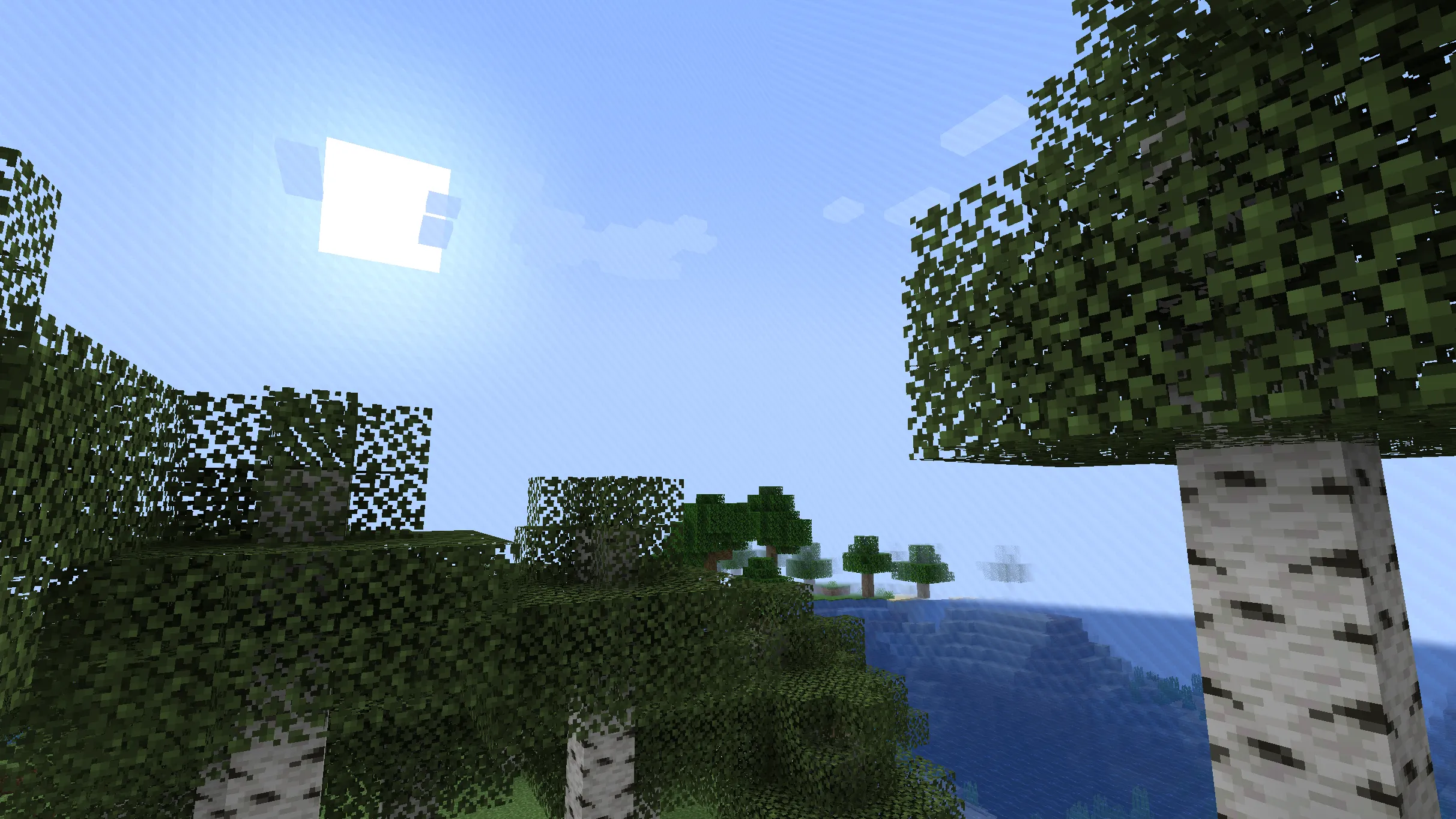
The border system uses version-adaptive NMS code for direct packet handling. WBControl detects server versions at runtime, supporting 1.16.3 and newer releases as well as Arclight hybrid server environments. Players can purchase border tier upgrades to expand radius bounds, adjust warning distances, and configure border damage behavior.
Player management and social features
Permission hierarchy and settings
A five-tier permission model enforces access rules:
| Role | Build | Interact | Invite | Ban | Promote | Full Control |
|---|---|---|---|---|---|---|
| Owner | ✓ | ✓ | ✓ | ✓ | ✓ | ✓ |
| Operator | ✓ | ✓ | ✓ | ✓ | to Member | |
| Member | ✓ | ✓ | ||||
| Visitor | ✓ | |||||
| Banned |
Each realm tracks lists of members, operators, and banned players. Dedicated sub-panels (RealmGUIContentMember, RealmGUIContentBanned, RealmGUIRoleAssign) handle player administration. Listeners intercept block placement, block destruction, entity interaction, item pickups, drops, and portal traversal to verify permissions.
Cross-realm visiting and ratings
Owners can toggle realm visibility between public and private. Public realms appear in a searchable directory where visitors can teleport and leave flower ratings to boost a realm’s standing. VisitStatistic logs visit counts, playtime metrics, and incoming ratings.
Command interface and autocompletion
The /realm command provides access to all administrative and gameplay features, accompanied by contextual tab completion for subcommands, player names, and realm IDs. The command parser handles nested arguments like /realm invite <player> from <owner> for remote management.
Database and cross-server architecture
Persistent state is stored in MySQL via HikariCP connection pooling. The schema separates data into SelfHomeMain_Users (ownership, permissions, spawn coordinates, and rating totals) and SelfHomeMain_Servers (cluster load data). All queries use parameterized statements.
flowchart TD
    subgraph Servers["BungeeCord Network"]
        S1["Server 1"]
        S2["Server 2"]
        S3["Server 3"]
    end

    subgraph Proxy["BungeeCord Proxy"]
        LB["Load Balancer"]
        MSG["Plugin Messaging"]
    end

    subgraph Database["MySQL + HikariCP"]
        Users["SelfHomeMain_Users"]
        Stats["SelfHomeMain_Servers"]
    end

    S1 <--> MSG
    S2 <--> MSG
    S3 <--> MSG
    MSG <--> LB
    S1 --> Database
    S2 --> Database
    S3 --> Database
    LB --> Stats
For multi-server networks, BungeeCord plugin messaging handles three main actions: waitDelayToHome for delayed teleport handoffs, waitToCommand for proxied command dispatch, and waitToLoad for remote world loading. Server load metrics (player counts and TPS) guide new realm allocation to servers with available capacity.
Design decisions
Data-driven YAML configuration
Menus, default realm options, game rules, and world borders are defined in external YAML files. Menus use matrix character mappings so administrators can alter layouts without editing code.
Decoupled event model
Custom events (RealmCreateEvent, RealmFinishCreateEvent) connect realm lifecycle stages to protection listeners and UI notifications without hard direct dependencies.
Off-thread background processing
World cloning, chunk pre-generation, and database transactions execute on dedicated worker threads, reserving the main server thread for gameplay ticks and player interactions.
Version-adaptive NMS abstraction
NMS routines for world borders and ProtocolLib packet handlers adapt dynamically across Spigot 1.16.5 through 1.20.1 and hybrid platforms like Arclight.